How do I change my AI agent's tone and feedback style?
Last updated: May 25, 2026
Adjust the Tone and Depth sliders to shape how Ovid speaks to you during practice.
ℹ This feature is only available to users with access to the Skills feature.
Everyone learns differently. Sometimes you want encouragement and space to explore. Other times you want sharper, more direct feedback that pushes you forward. The Tone and Depth sliders let you set the coaching style that works for the skill you're practising.
What you can adjust
Tone: Supportive / Direct / Brutally honest
Depth: Conversational / Analytical / Comprehensive
Steps
Find the AI feedback style icon at the bottom of the Skill page.
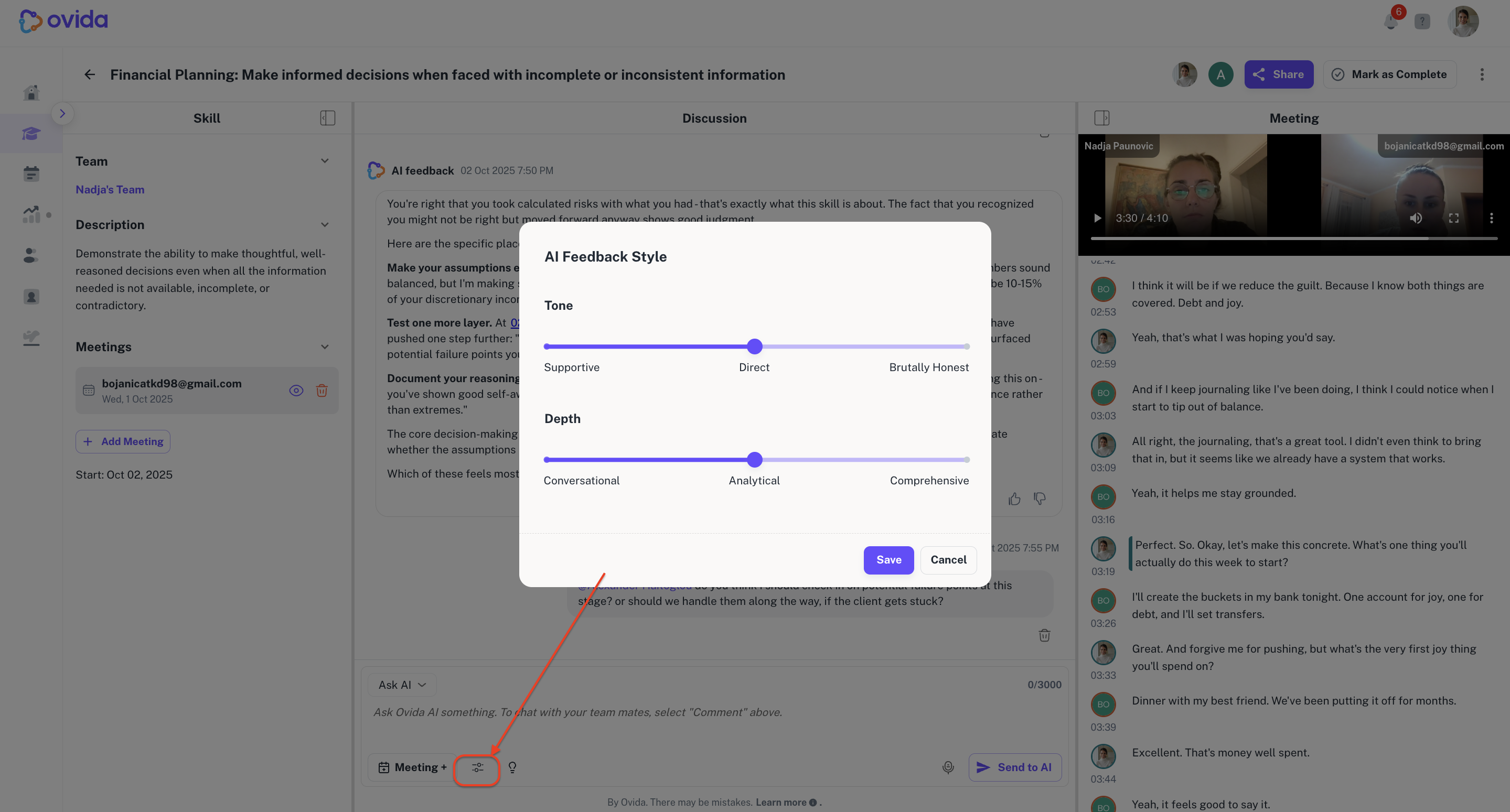
Use the Tone slider to pick how the agent talks to you.
Use the Depth slider to pick how much explanation you want.
Click Save.
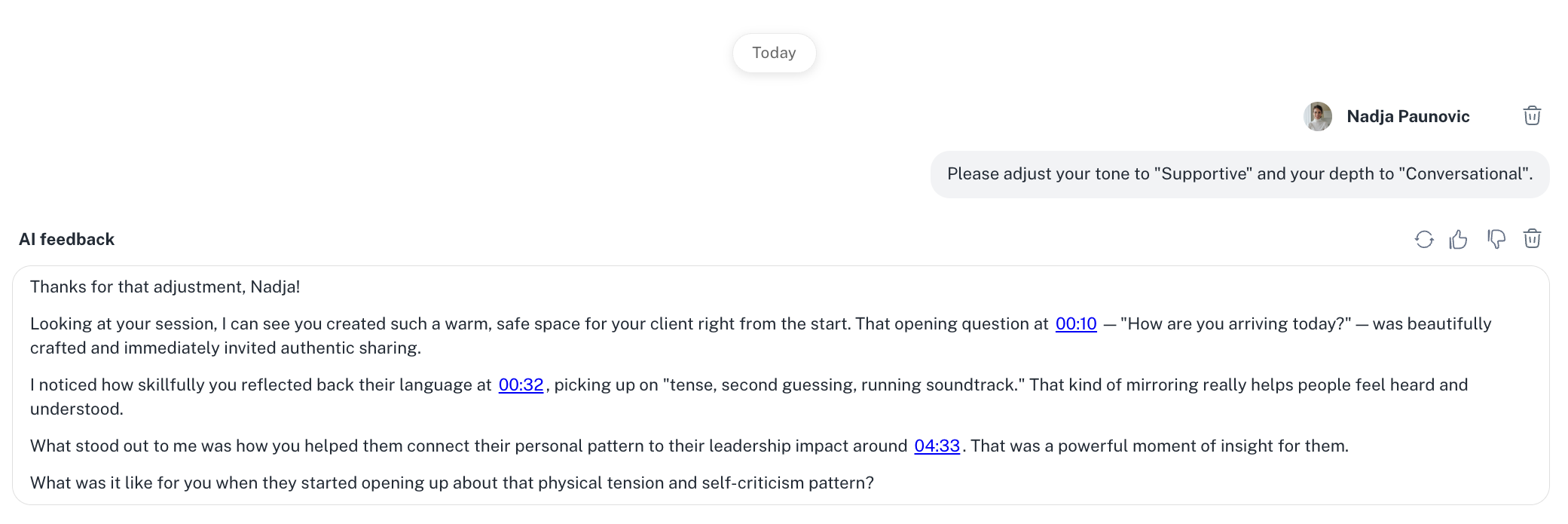
The AI agent will adapt its responses for that Skill from your next interaction onwards.
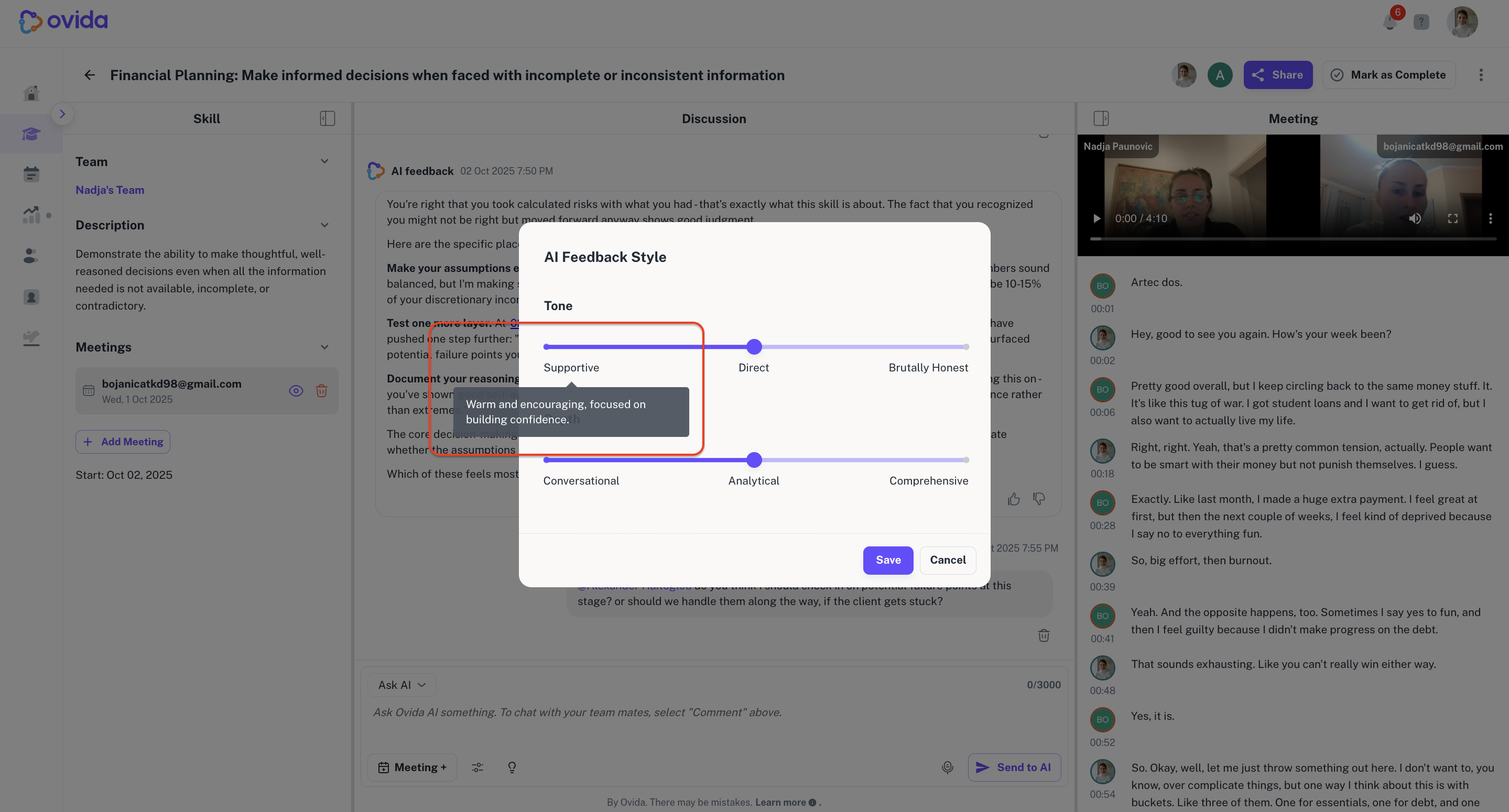
Hover any setting for a short description of what it means.
A few things to know
The default style is Direct and Analytical.
Settings are saved per Skill, per user. You can have one coaching style for a Skill you're just starting and a different one for a Skill where you want sharper challenge.
Your settings are private. They're not shared with other users.
Example
When you're just starting out on a new Skill, try Supportive and Conversational to build confidence. As you advance, switch to Direct and Analytical for more detail and challenge.