How do I find and start practising a Skill?
Last updated: May 25, 2026
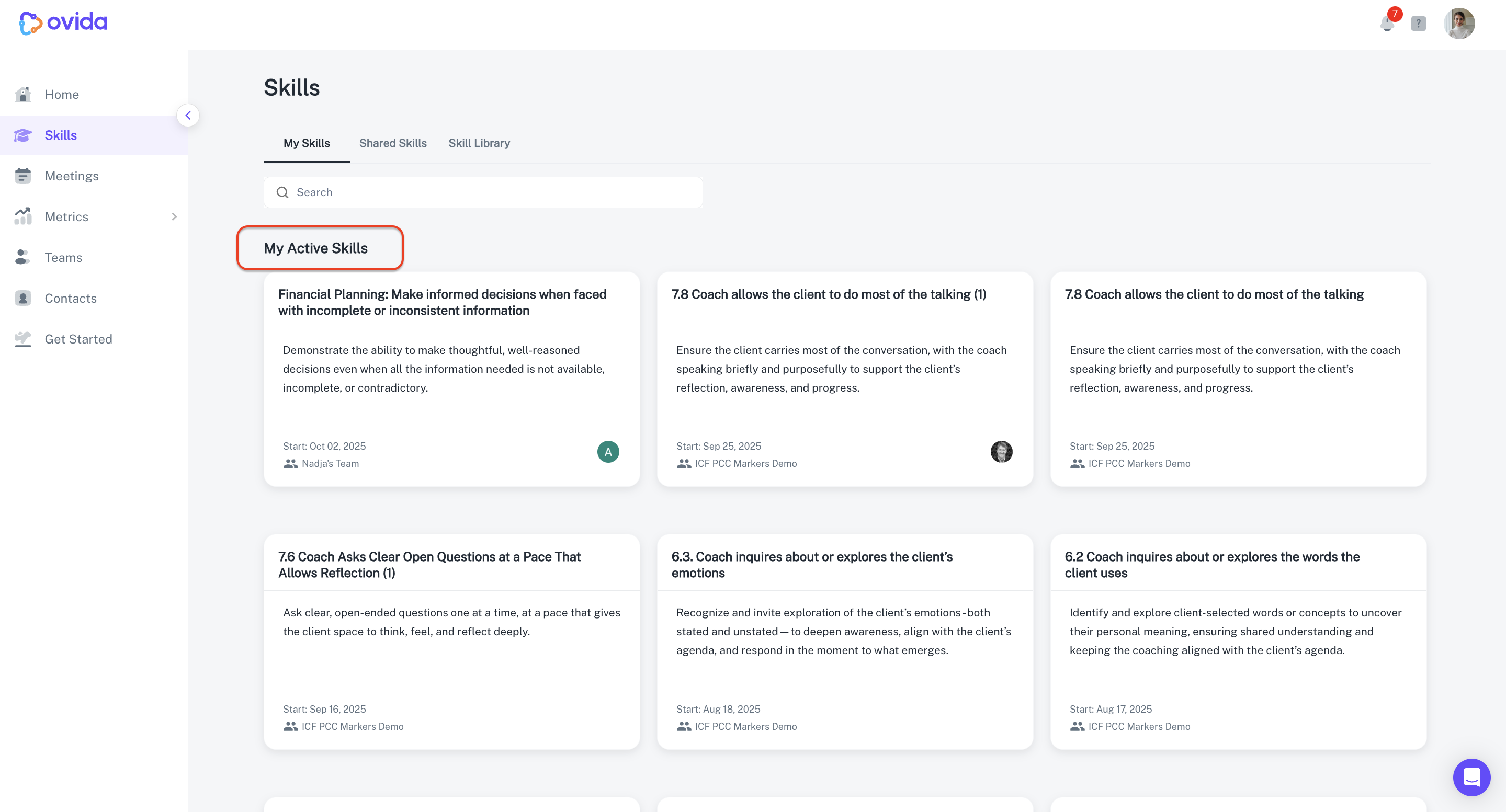
Your My Skills page is the personal hub for everything you're practising. Start a new Skill from there in a few clicks.
What's on the My Skills page
The page is divided into three sections:
My active Skills — what you're currently practising. Active Skills sit at the top of the page.
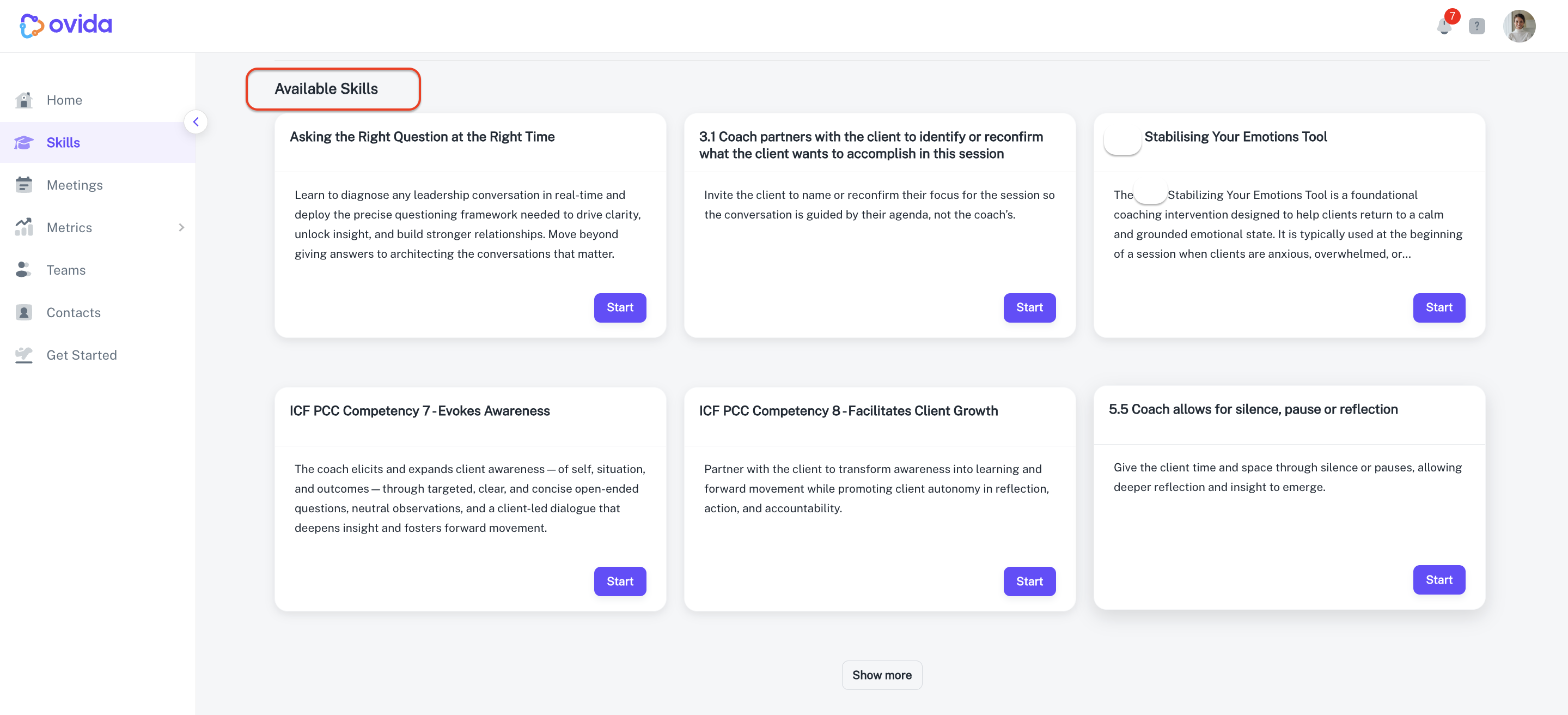
Available Skills — Skills you haven't started yet. This is your library of options to explore.
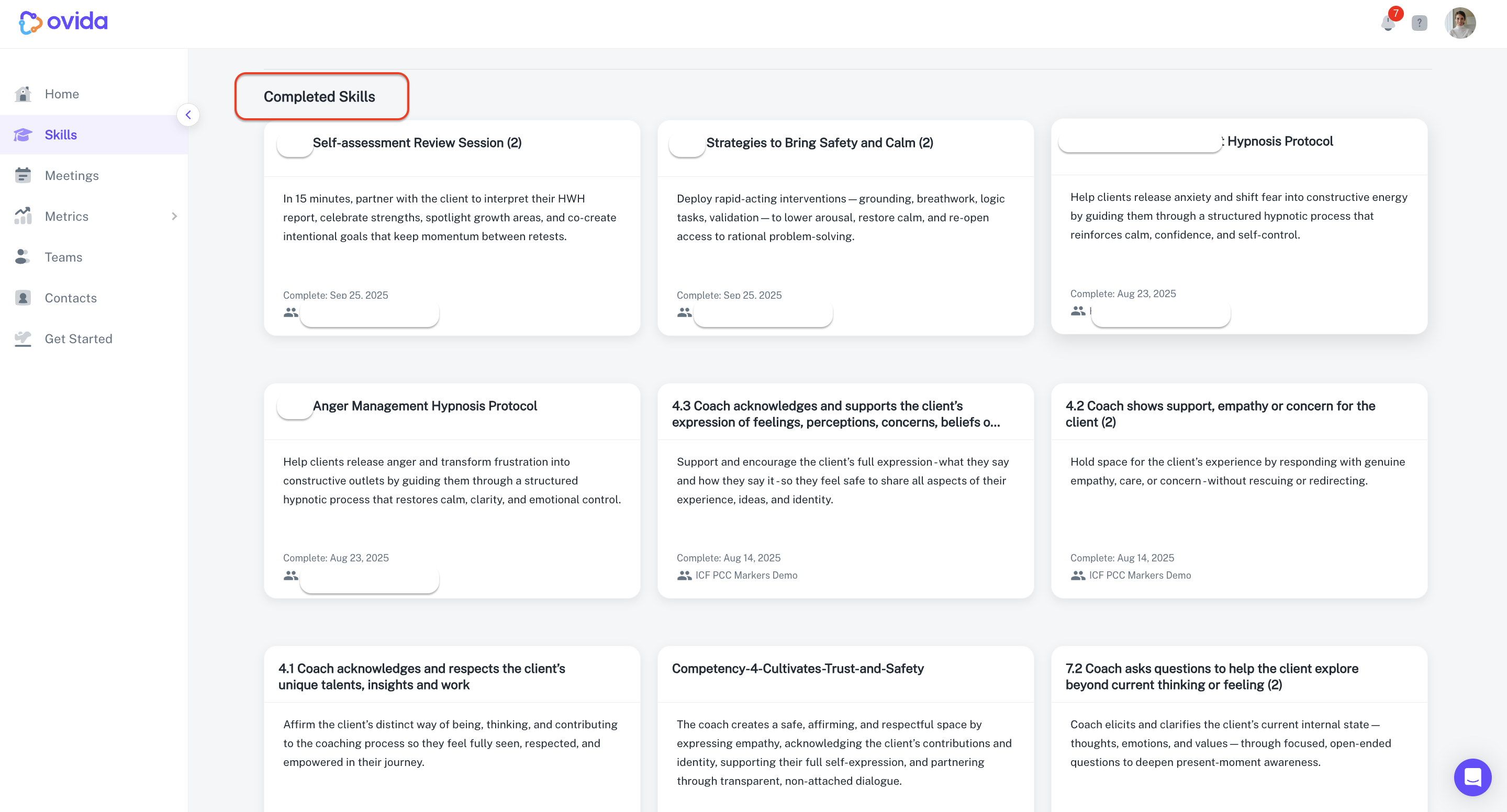
Completed Skills — Skills you've finished. You can re-open any of these at any time.
Starting a new Skill
Go to Skills in the left-hand menu.
Open My Skills.
Scroll to Available Skills to see what you can practise.
Choose the Skill you want to focus on.
Click Start.
The Skill becomes active and moves to the top of your page. You can mark it complete whenever you're ready.
A few related concepts
Shared Skills are Skills you've shared with a trainer, mentor, or peer. They show who has access and what's been discussed.
The Skills Library is your organisation's catalogue of available Skills. Only Team Owners and Team Admins can see it, since they choose which Skills to assign to their teams.