How do I delete a meeting?
Last updated: September 17, 2026
Both host and guest can delete a meeting at any time, either during the one-minute grace period at the end of the meeting or after analysis is complete.
Either party can delete their meeting data whenever they choose. Once deleted, it's gone — there's no recovery.
Here's a video guide for this article.
When you can delete a meeting
During the one-minute grace period. When the host ends a meeting, both host and guest get a one-minute window to choose Delete permanently for all. Deleting at this stage prevents the meeting from ever being processed or analysed.
After analysis is complete. You can delete at any point once the meeting has finished processing.
The host can delete any meeting they created, except one that's currently in "processing" status.
A guest can also delete a meeting, but they need to be registered on Ovida first. Guests can register at any time, including after the meeting.
What happens when you delete
Irreversible. We delete the meeting from our systems immediately upon confirmation. There's no recovery.
All participants lose access. Deleting removes the meeting from the host's, guest's, and any observers' meeting pages.
How to delete
Go to the Meetings page.
Hover over the meeting and click the Settings menu on the right.
Select More details.
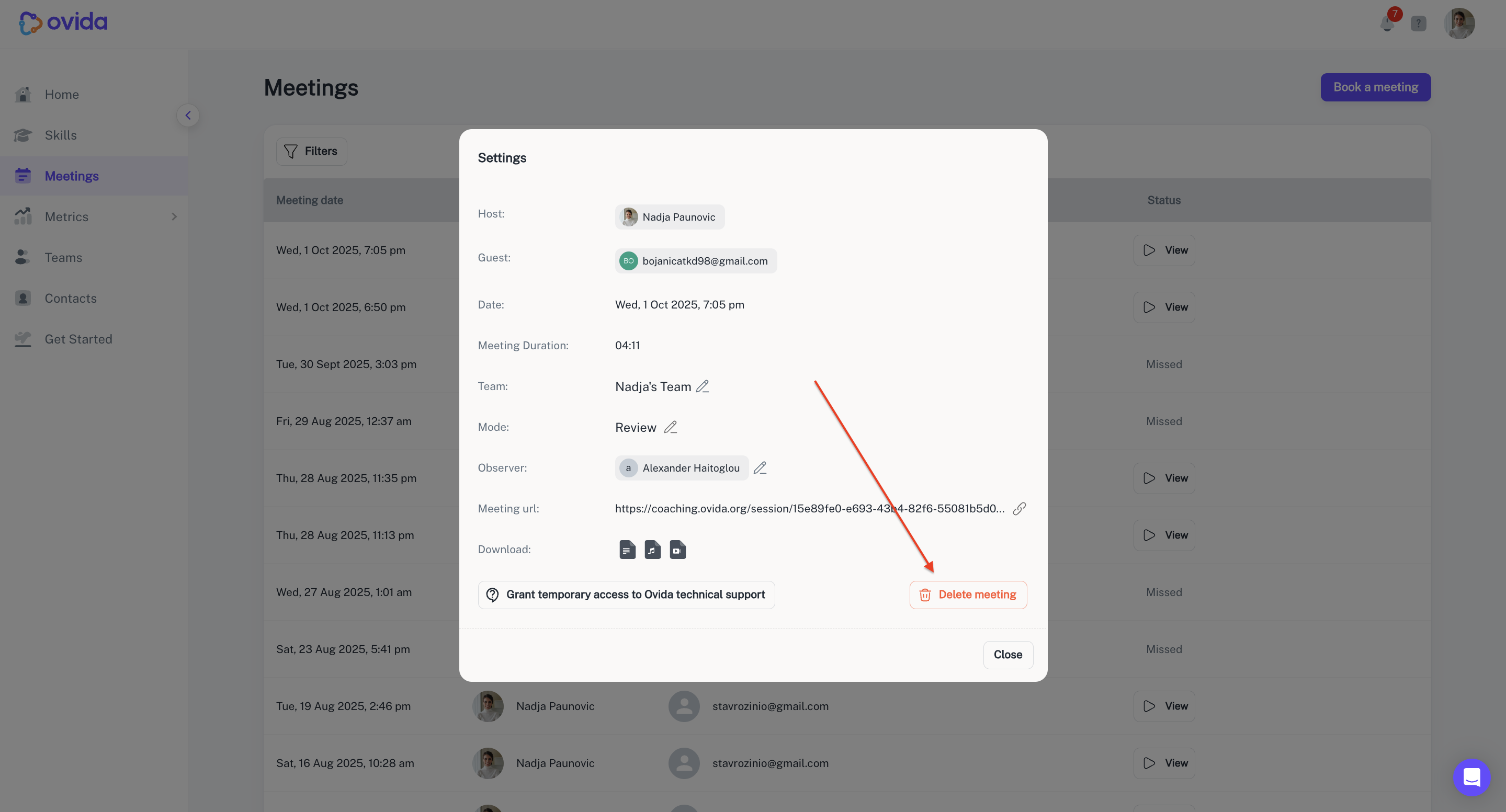
Click Delete meeting.
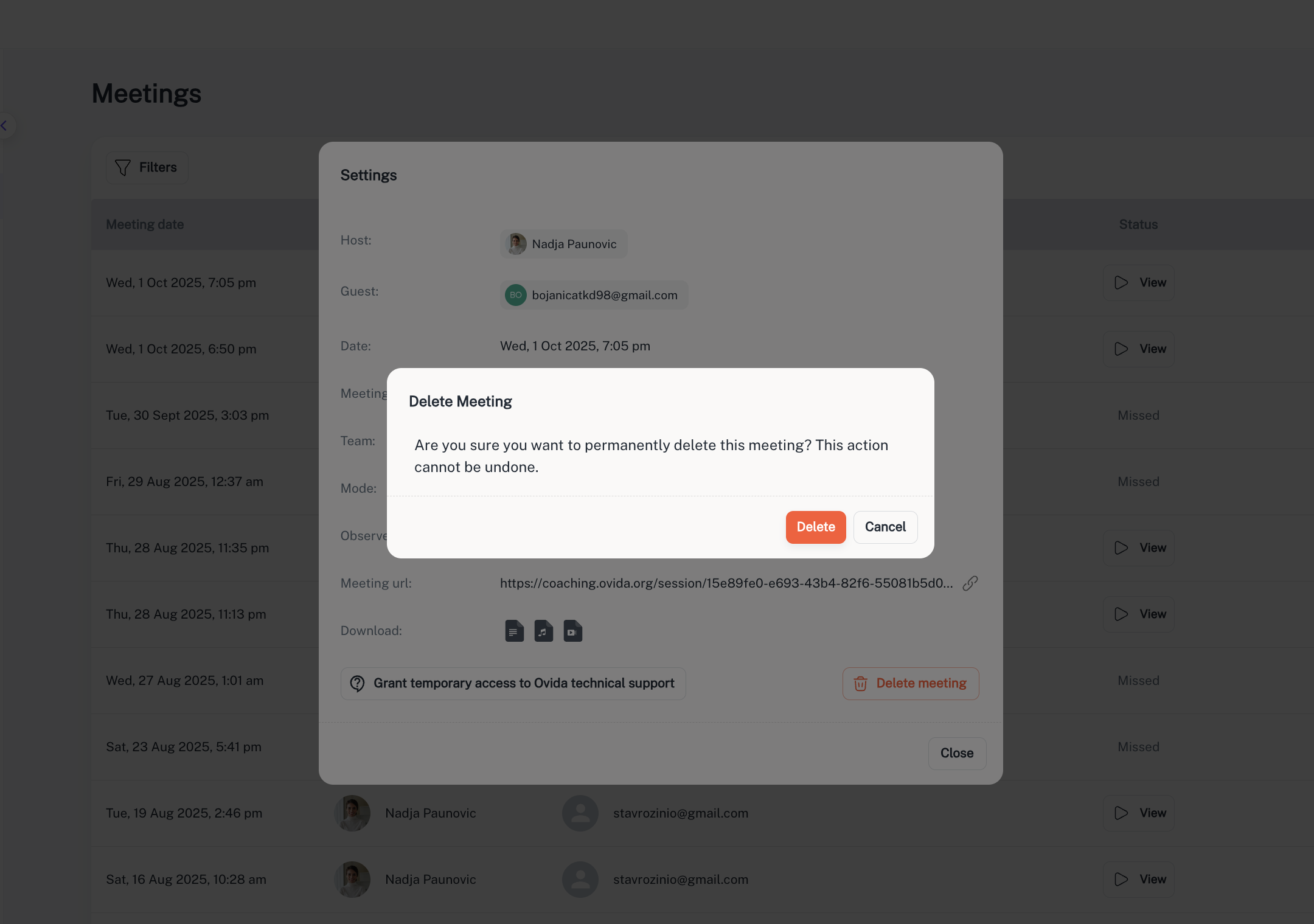
Confirm.