How do I share a meeting link with my guest?
Last updated: May 25, 2026
When you create a meeting, your guest receives the link by email automatically. If you need to share it directly, you can copy the link from a few places in Ovida.
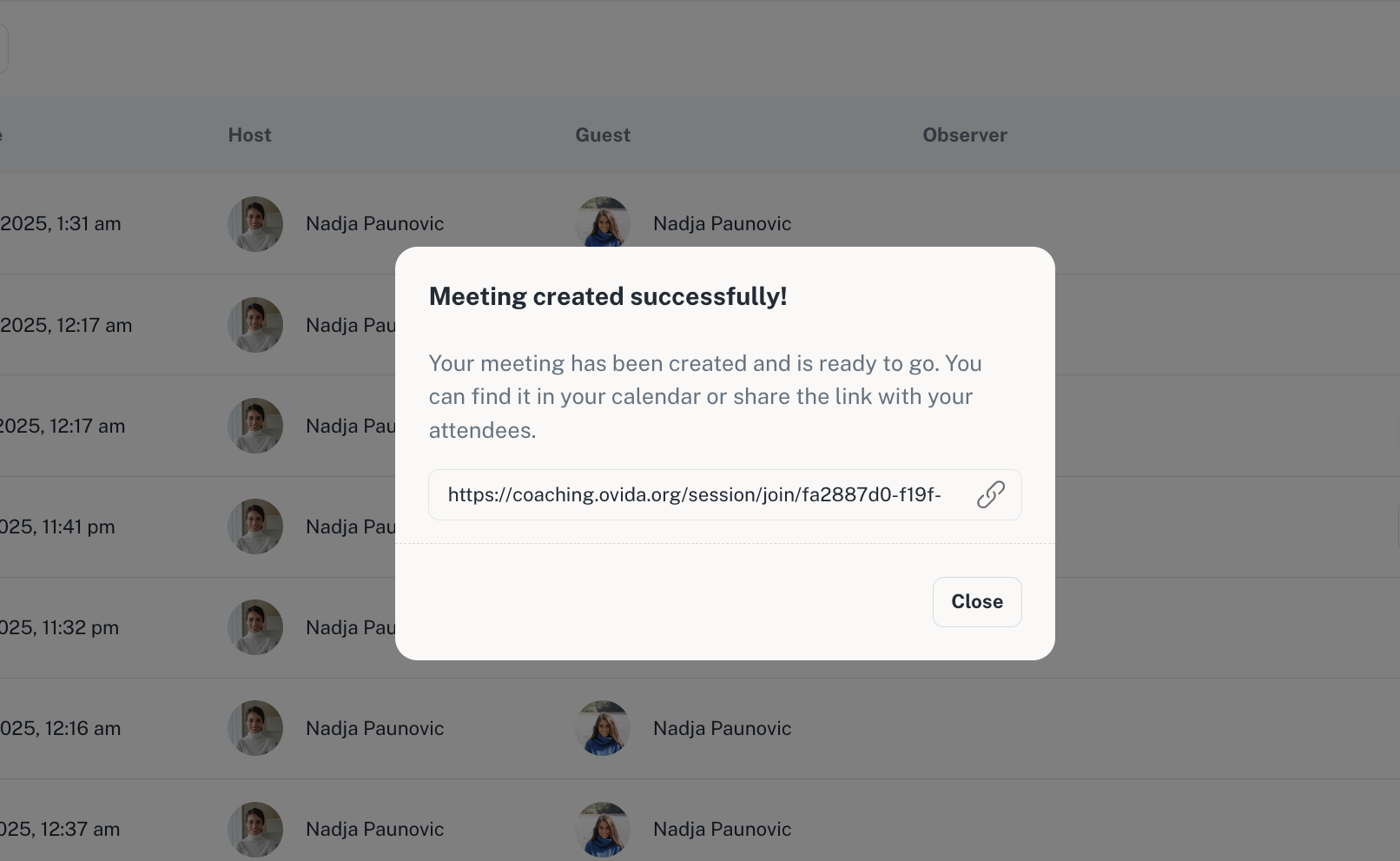
Right after creating the meeting
The meeting confirmation screen shows a Copy link option immediately after booking.
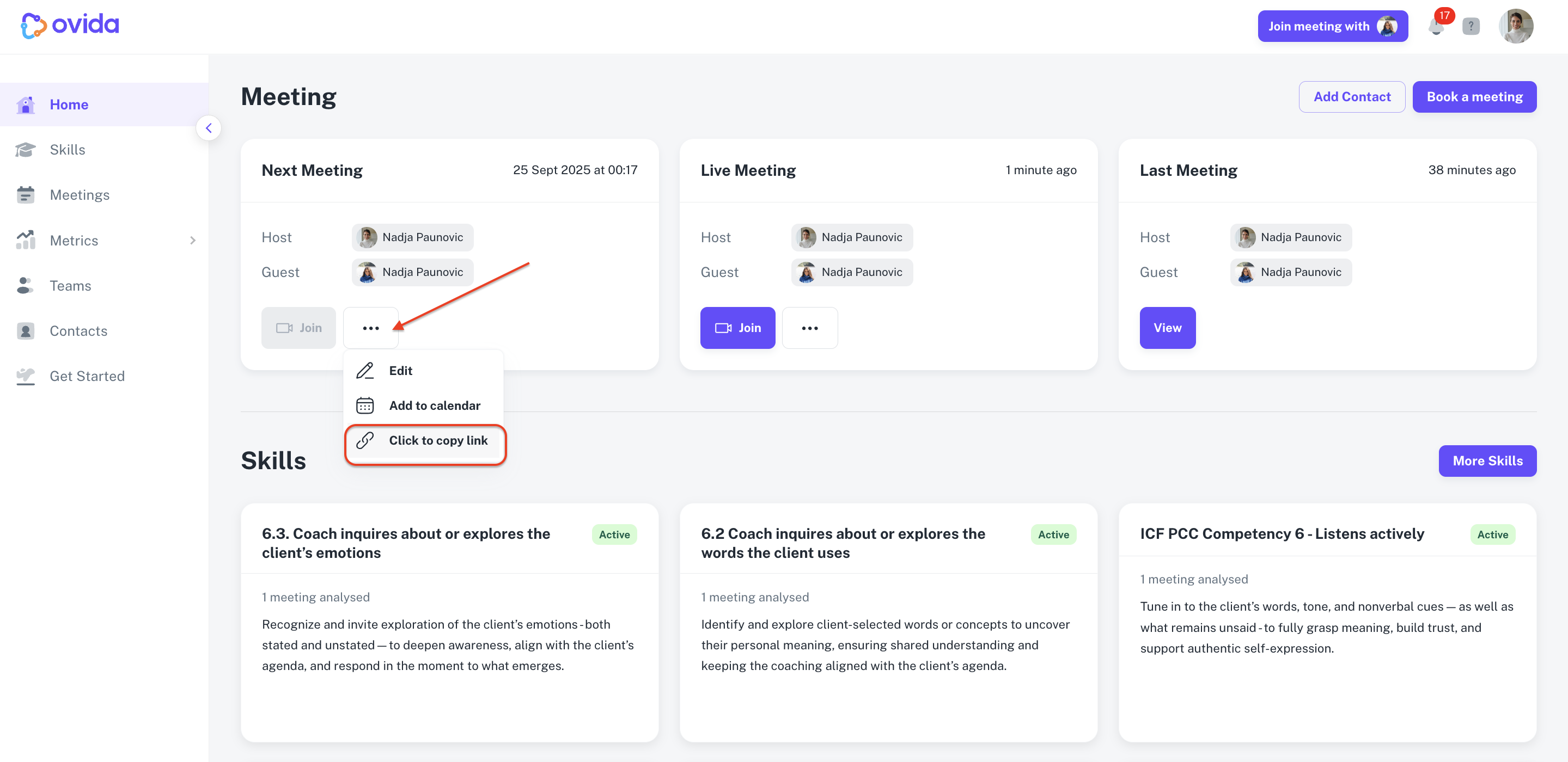
From the Home page or Meetings page
The meeting link is also accessible from the meeting's settings later, in case you need to share it again.
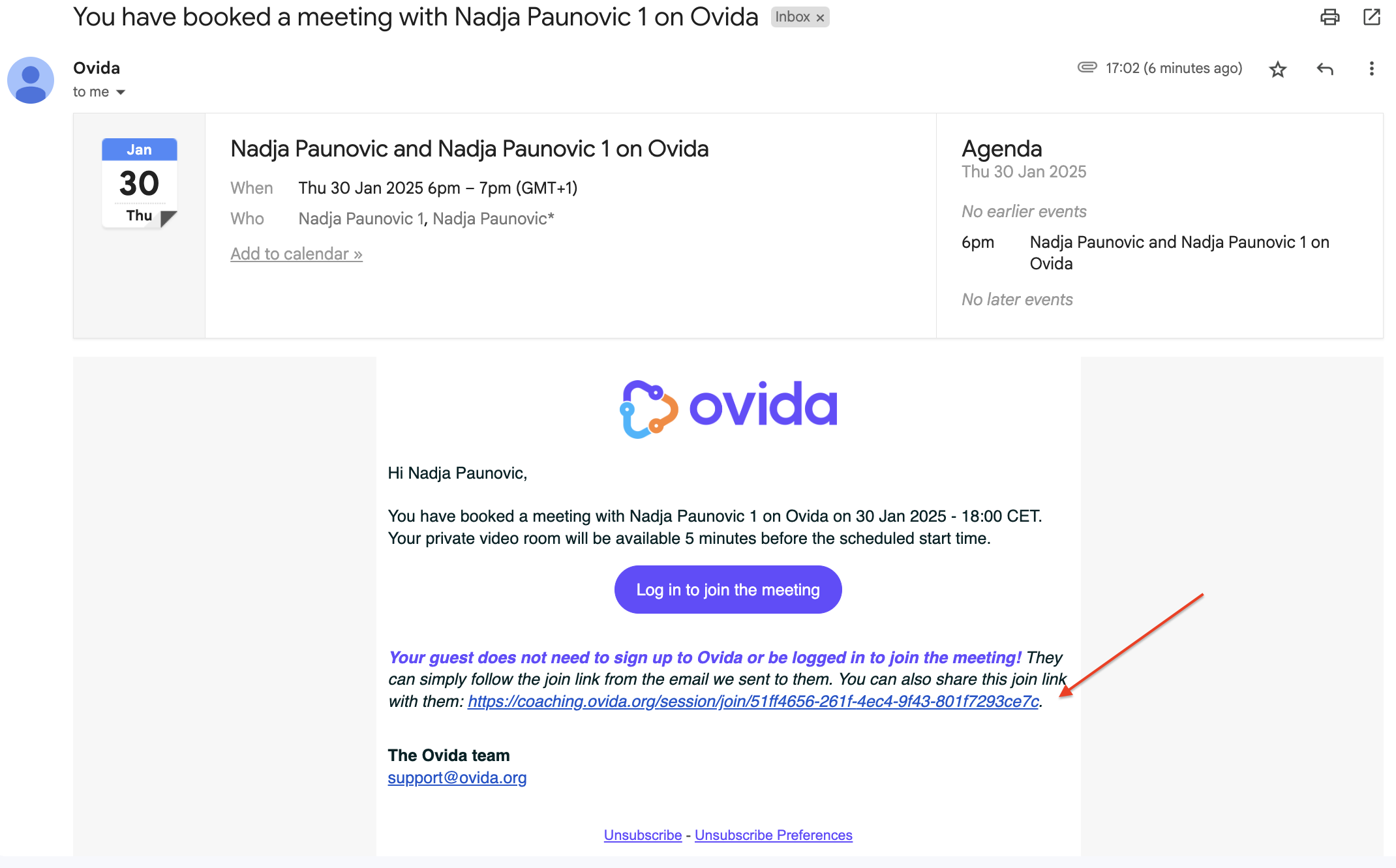
From the email notification
You can also forward the original meeting invitation email to your guest. The link is in the email body.