How do I join a Personal Meeting Room as a guest?
Last updated: May 24, 2026
What to expect when joining a meeting through a Personal Meeting Room link.
A Personal Meeting Room is a permanent meeting link your host uses for on-demand meetings. You can join through that link without an Ovida account.
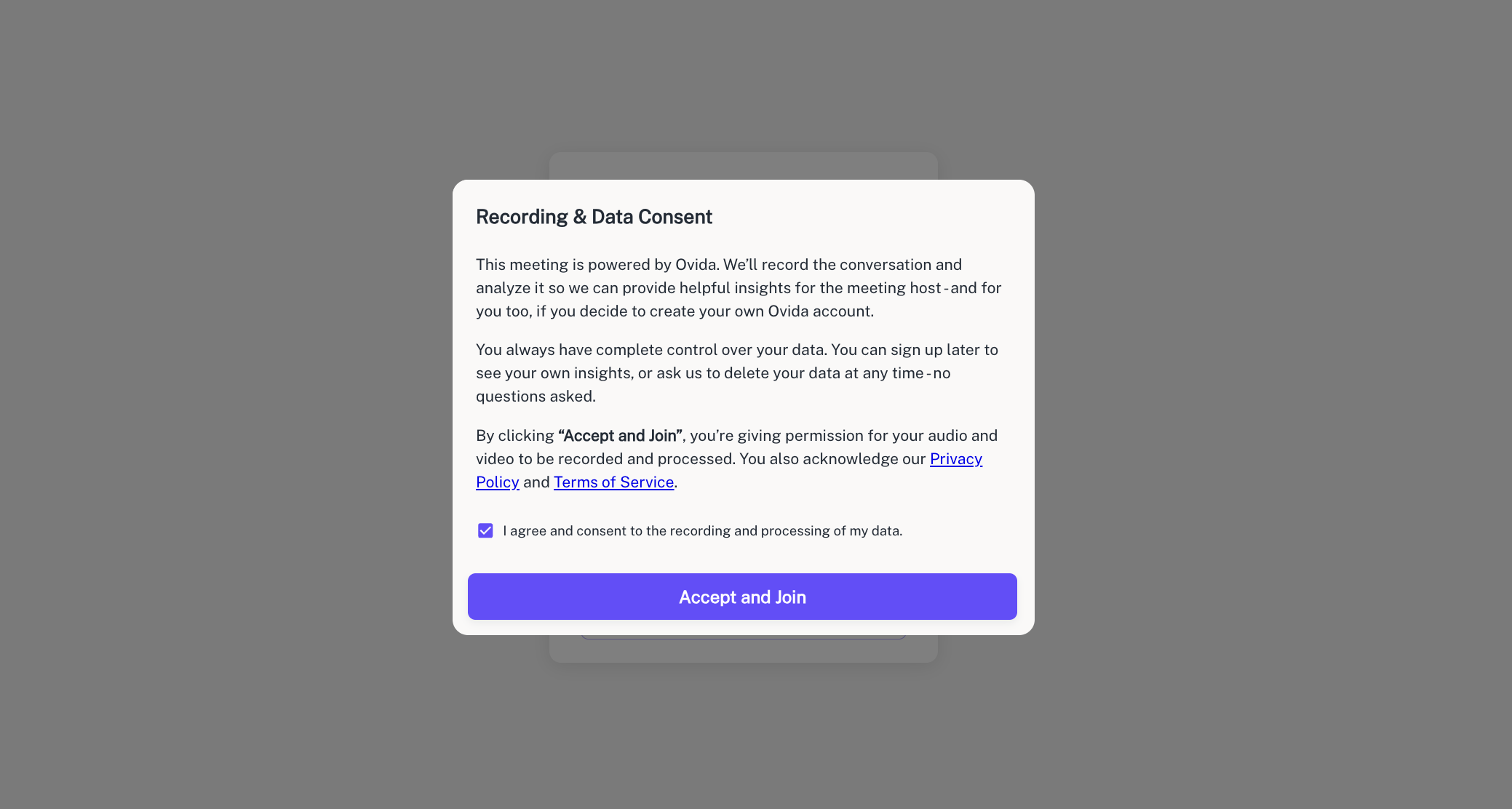
You'll be asked to give explicit consent to recording and data processing before joining. This applies every time, even if you've joined this host before.
How to join
Open the meeting link. Click the link in your invitation email or paste it directly into your browser. No installation or sign-up is required.
Accept the consent form. You'll see a form explaining that the session may be recorded for coaching, compliance, or review, and that Ovida will process your personal data (such as your name, email, and IP address) under its Privacy Policy. Tick the consent box to continue. Declining will prevent you from joining.
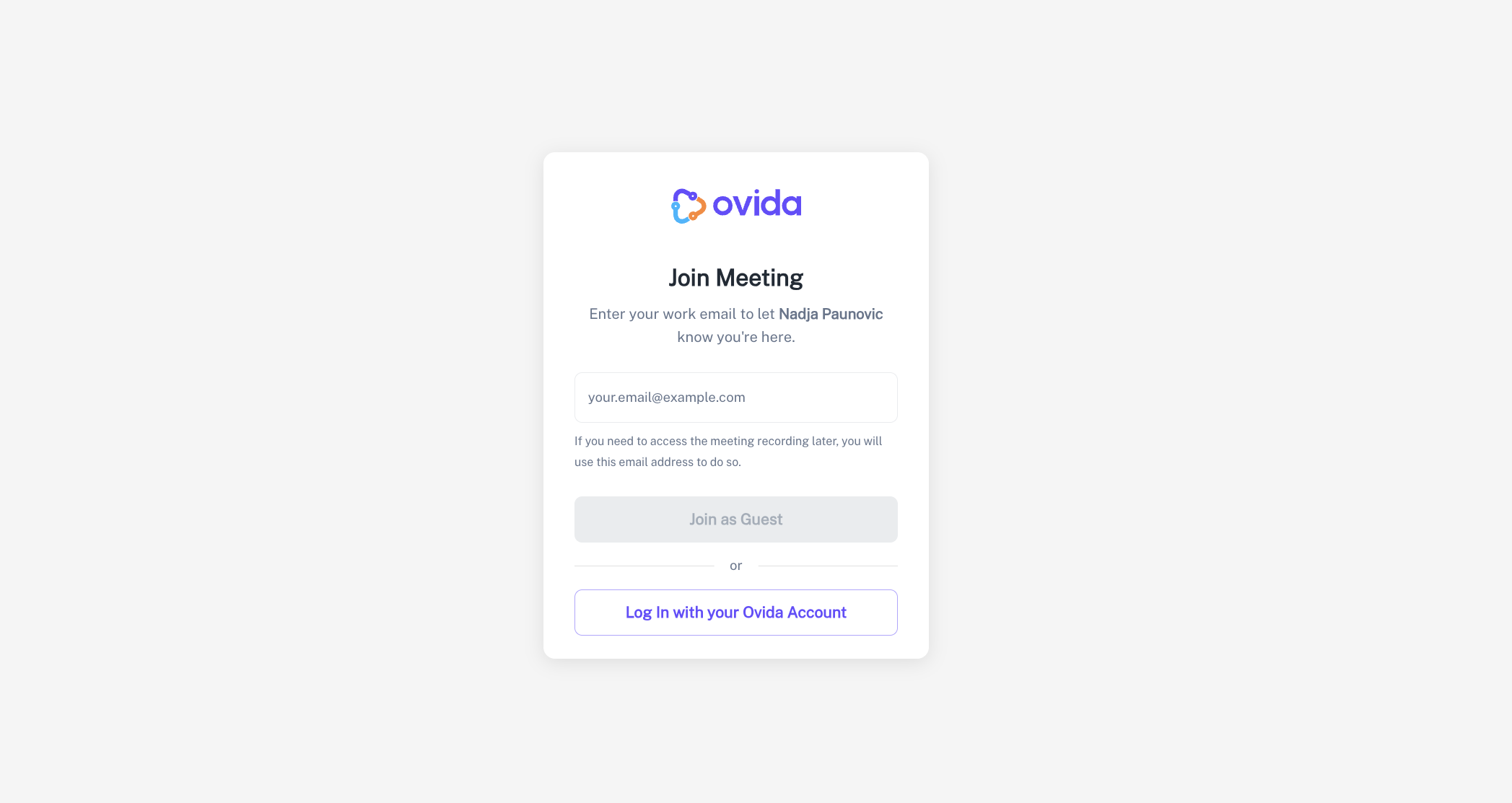
Wait in the lobby. You'll be prompted to enter your name and email if you're not signed in. Then you wait for the host to admit you.

Join the meeting. Once the host admits you, you're in.
A few things to know
You'll need to give consent every time you join a session, even if it's with the same host.
If the host re-issues their meeting link, the old one stops working. Ask for the new one if you can't get in.
Declining the consent form will prevent you from joining.