How do I join a Personal Meeting Room as an observer?
Last updated: May 24, 2026
Observers can join a Personal Meeting Room anytime once the host is present.
As an observer, you're there to watch and listen. You can join whenever the host is online, even before the guest arrives. This is useful when the host wants to brief you before the meeting starts.
You'll be asked to give explicit consent to recording and data processing before entering.
How to join
You can join in one of two ways:
Via email: Click the Join the meeting button in the invitation from the host.

Via direct link: Paste the meeting link from the host into your web browser.
A host can invite multiple observers by sharing the same link with all of them.
Before you enter
Once the page loads, you'll be asked to identify yourself if you're not already signed in. You can also test your camera and microphone here before joining.
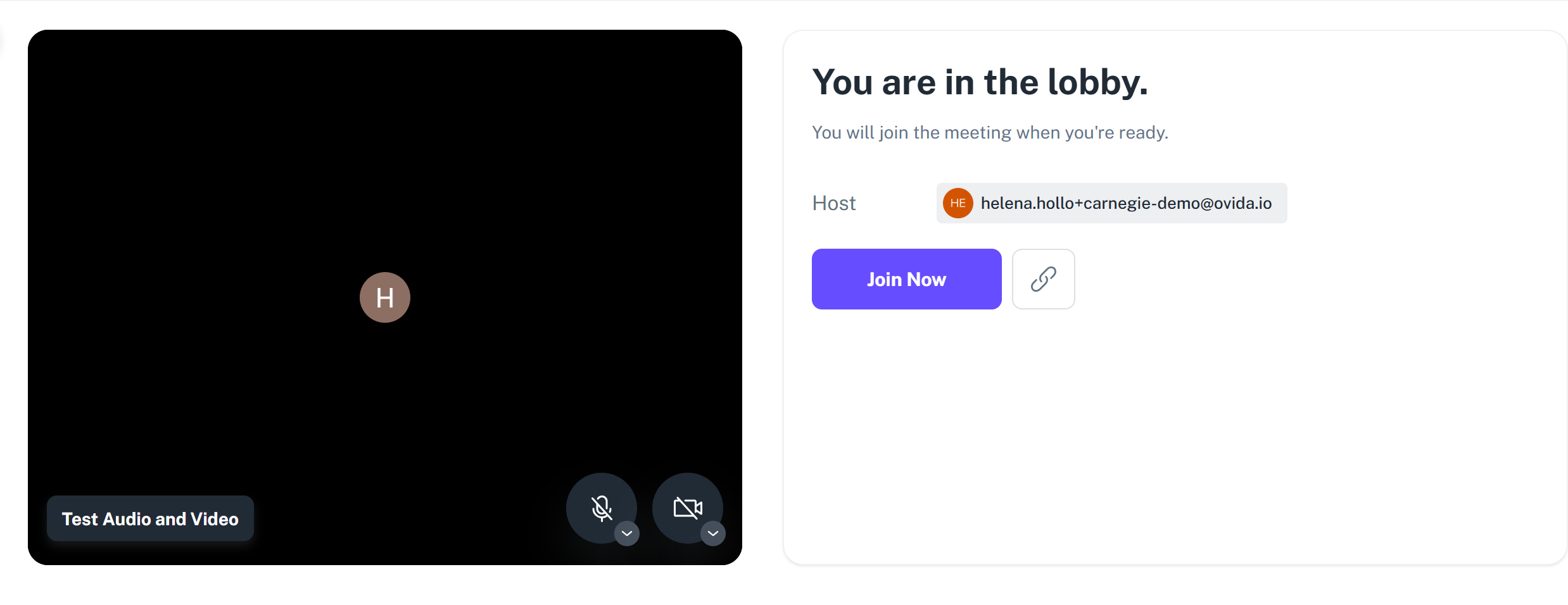
When you click Join Now, the host gets a notification that you're waiting. The host can admit you at any time, you don't need to wait for the guest to arrive.