How do I allocate a meeting to a team?
Last updated: May 25, 2026
Every meeting is allocated to a team when it's scheduled. You can usually move it to a different team afterwards if needed.
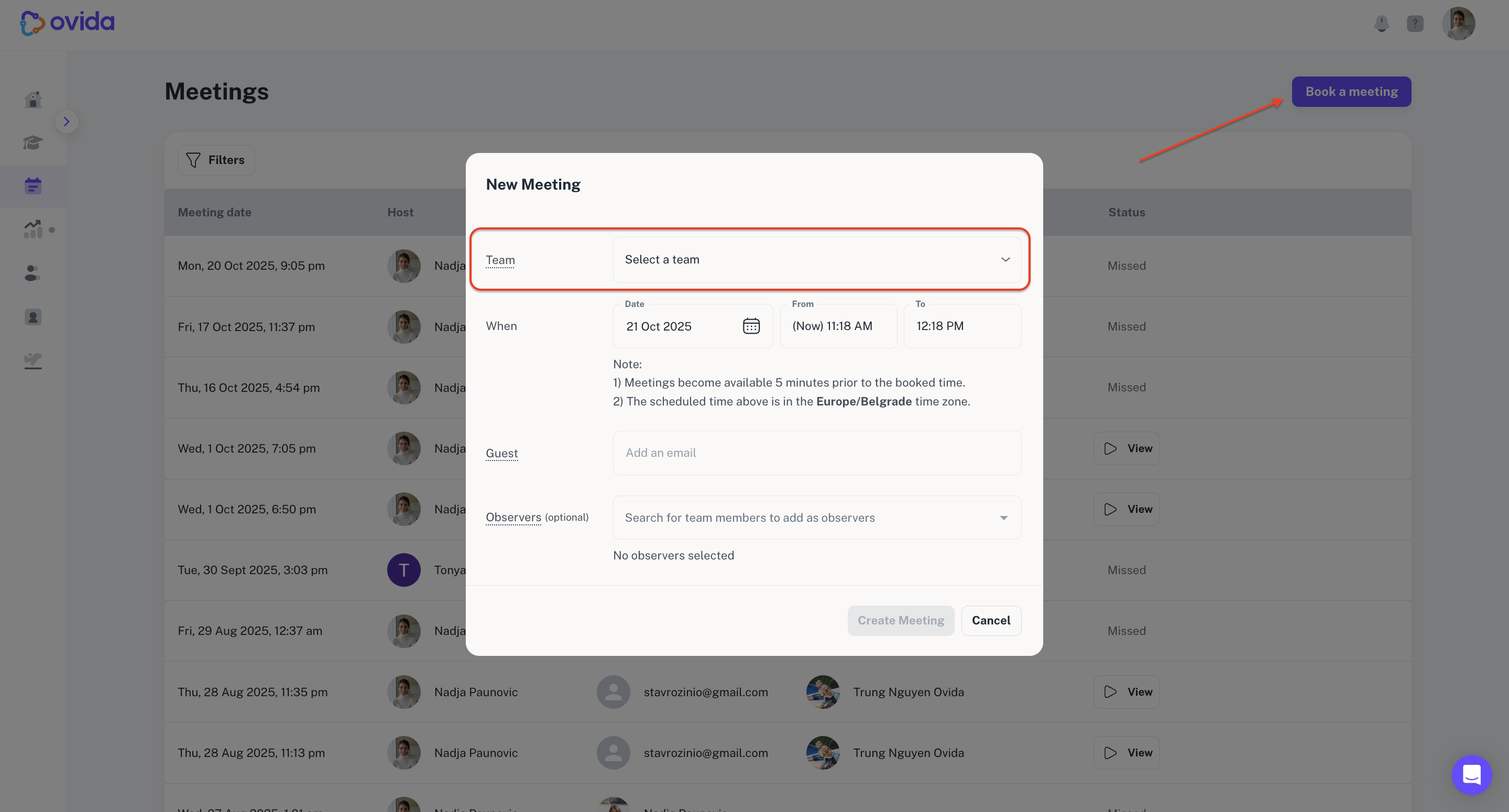
When you schedule a meeting, you choose which team it belongs to. If you're on more than one team, you'll be prompted to pick at scheduling time.
Moving a meeting to a different team
You can move a meeting to another team you belong to at any time.
Go to the Meetings page.
Click the settings icon next to the meeting.
Select More details.
Click Edit team and choose the new team.
Confirm.
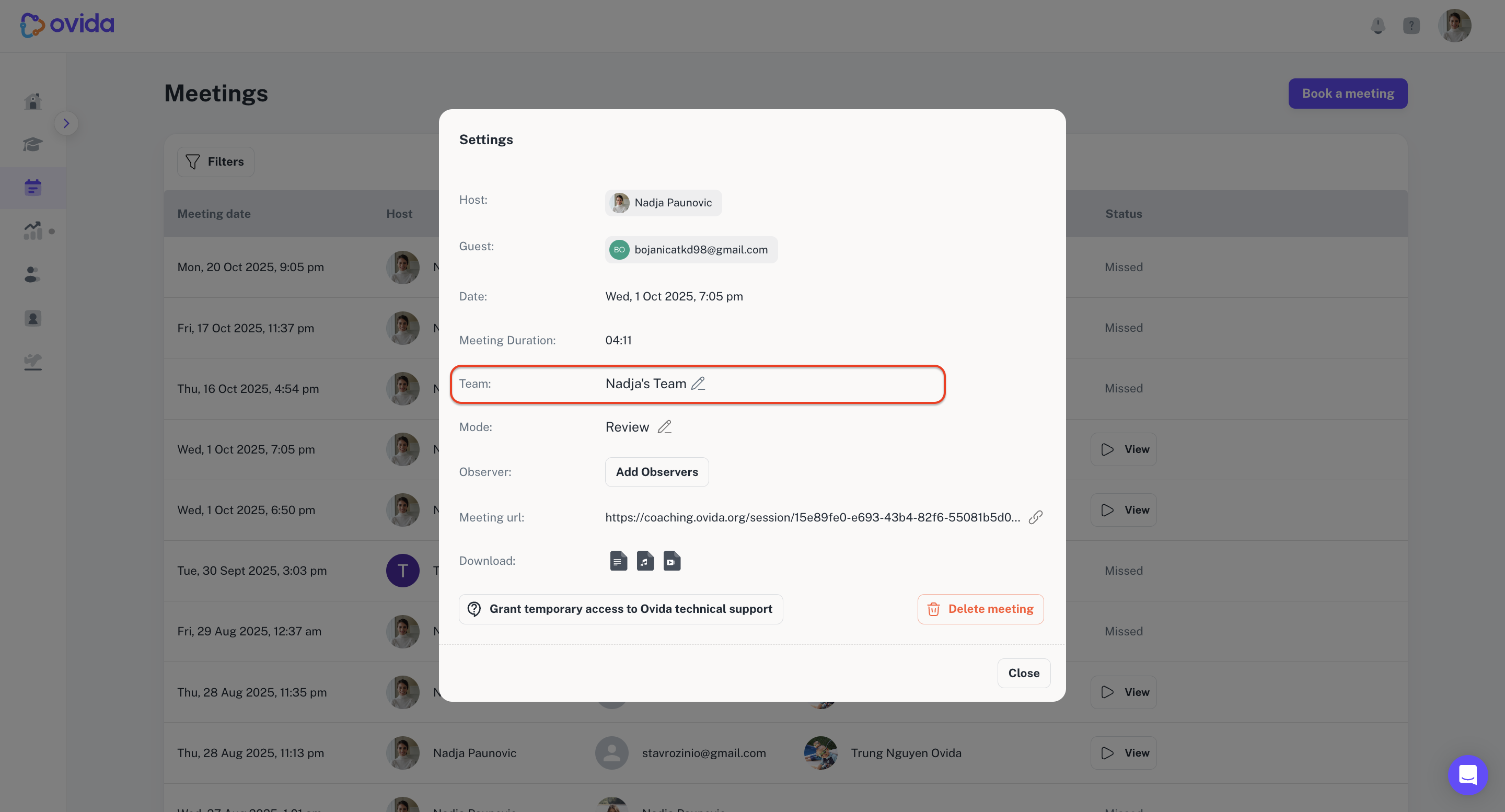
ℹ Enterprise teams can restrict members from moving meetings out of their teams for data and privacy reasons. If you can't see the edit team option, your organisation may have this restriction in place.