How do I troubleshoot credit issues on the Mentor plan?
Last updated: May 24, 2026
View your credit logs, manage notifications, and resolve common issues with auto top-up or credit deductions.
Credits apply to the Mentor plan, which is no longer available for new sign-ups. Credits will be phased out for existing subscribers as accounts transition to Business or Enterprise plans.
Credit logs
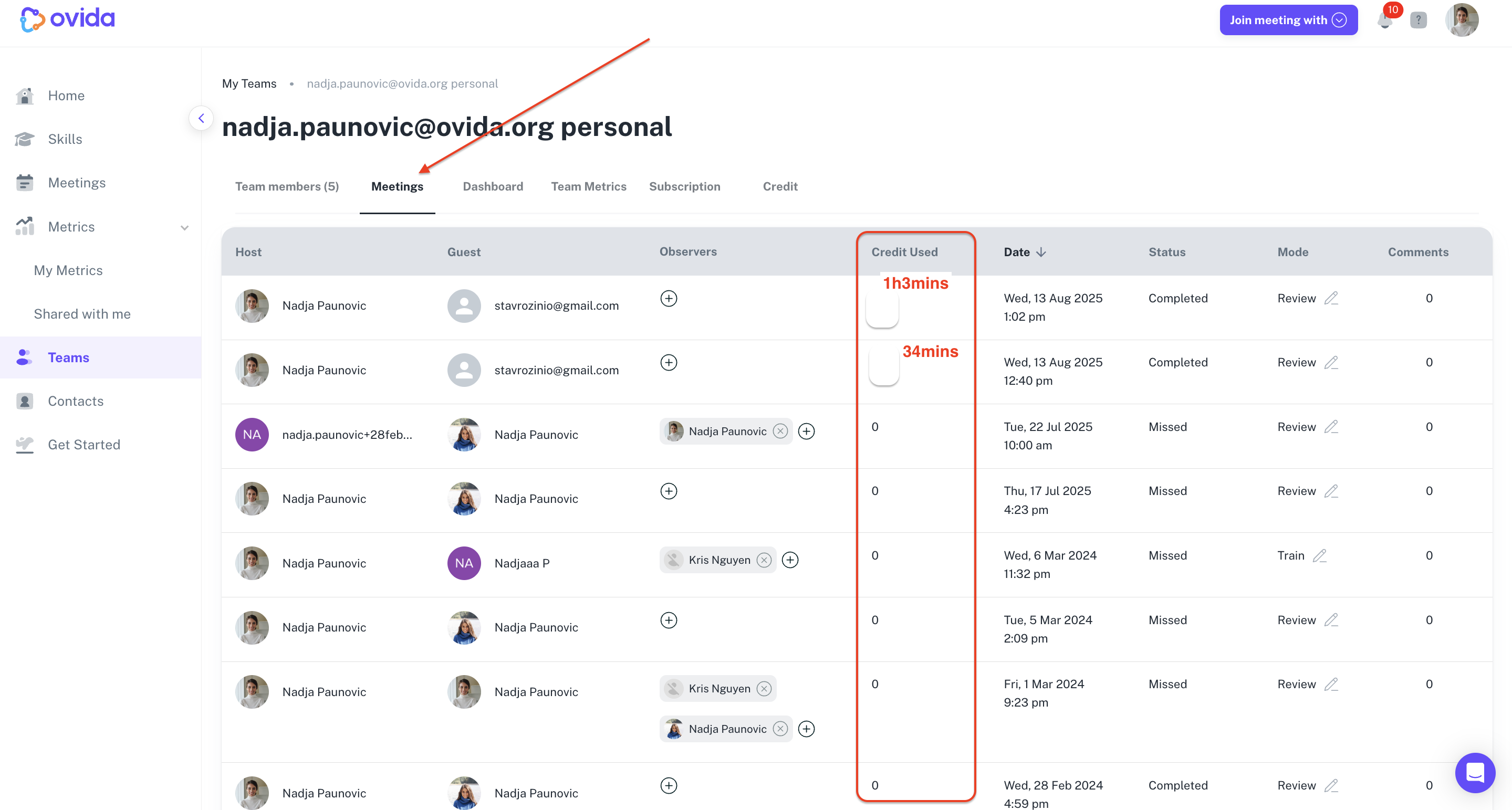
Credit logs show a detailed record of all credit activity on your account. You can see:
Each session booked with credits
Credits deducted and added to your account
Which team member used credits and when
Notifications
Two types of notifications keep you informed about credit activity:
Email alerts — sent when something needs your attention, like a low credit balance
In-app notifications — instant alerts within Ovida about real-time changes
Common credit issues
Auto top-up isn't working
What you're seeing: Your credit balance doesn't increase even though auto top-up is configured.
What to try: Check your payment information is current and that funds are available. Then use the retry top-up option in your account settings.
Credit deductions aren't appearing
What you're seeing: Credits don't seem to be deducted immediately after sessions.
What to try: Allow time for the system to process recently completed sessions. Make sure your top-up trigger and amount are set high enough to avoid running out during processing.
You're missing notifications
What you're seeing: You're not receiving emails about credit levels or account status.
What to try: Check your spam folder. If the email isn't there at all, see "Why am I not receiving emails from Ovida?"