What if my Ovida invite link has expired or I can't find it?
Last updated: May 22, 2026
Use the Forgot password flow on the login page. As long as you use the same email address your team invited, you'll be back in.
⚠ Important: You must use the exact email address you were invited with. Your email is what connects you to your team. A different address (even at the same domain) will not work.
Steps
Go to coaching.ovida.org.
Enter your email and click Reset password.
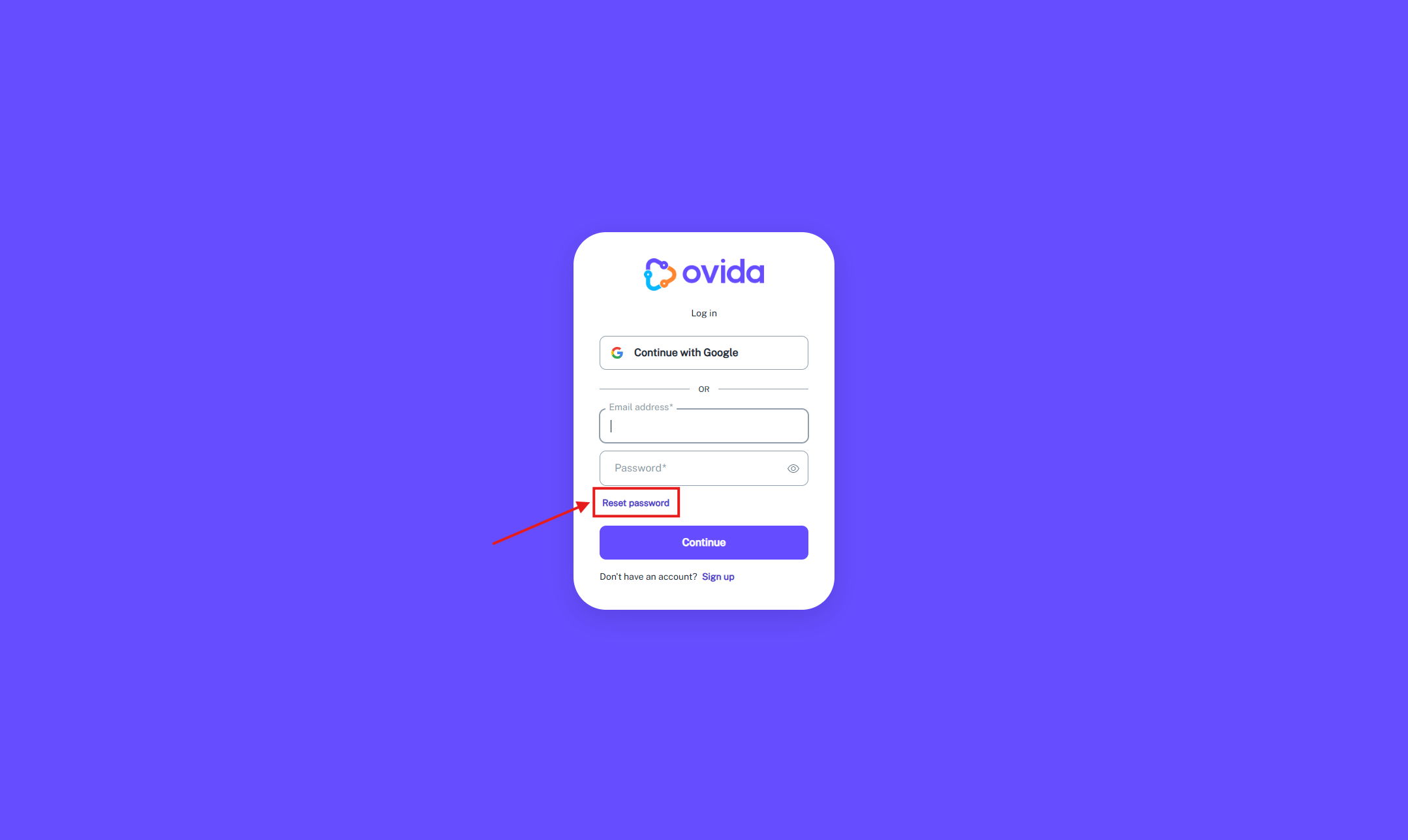
Check your inbox for the reset link and follow the instructions to set your password.