How can I change my password?
Last updated: September 1, 2026
Change your password from your account settings. You'll get a reset link by email to confirm the change.
Here's a video guide for this article.
Signed in with Google? You don't have a separate Ovida password to change. To log in, click Continue with Google on the login screen and pick your email.
Steps
Click your user icon in the top-right corner of the screen.
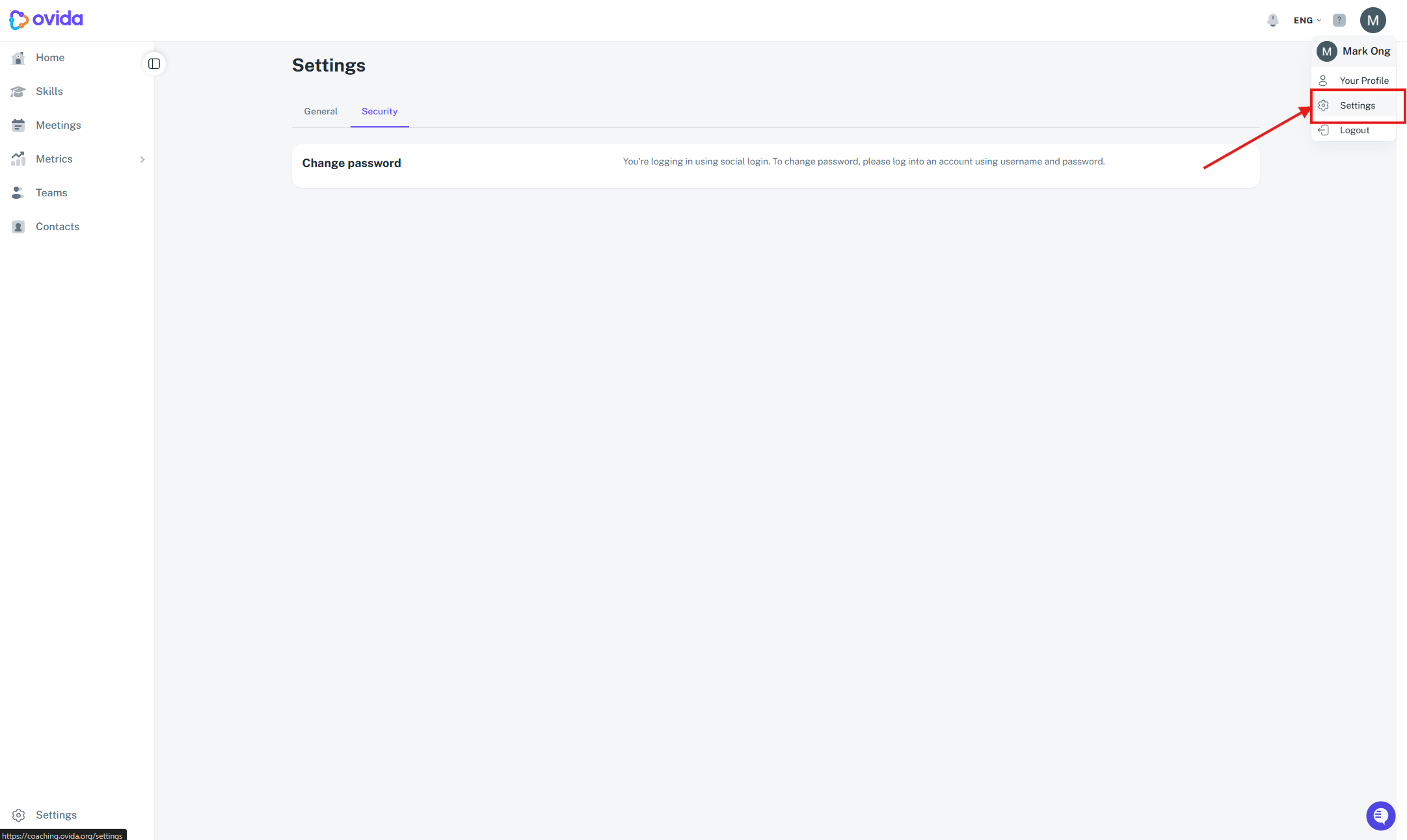
Select Settings, then go to the Security tab.
Click Change password.
Check your email for the reset link, then follow the instructions in that email to set your new password.